- Home Page /
- Electronics /
- Computer Accessories /
- Computer Components /
- Computer Internal Components /
- Internal TV Tuner & Capture Cards /
- Elgato Video Capture USB 2.0 Capture Card Dev...
0 ratings


Item #:
105283
Elgato Video Capture USB 2.0 Capture Card Device, Easy to Use, Convert Analog to Digital, with VHS VCR TV to DVD Adapter, for Mac, Windows or iPad |
Item #:
105283
BDT 13029
Price Details
Excluding Shipping & Custom charges ( Shipping and custom charges will be calculated on checkout )
*All items will import from US
11%
0 ratings
Write a review
In stock
 Imported from USA store
Order now and get it around Sunday, July 12
Secured transaction
Ubuy works hard to protect your security and privacy. Our advanced payment security system ensures confidentiality by encrypting your information during transmission using AES (Advanced Encryption Standards) and SSL (Secure Socket Layer) protocols. Your payment details are 100% secure as we do not share your payment details with third party sellers.
Our Top Logistics Partners


Digitize video from a VCR, camcorder or other analogue video source for your Mac, PC, and iPad.

Fast
Shipping

Free
Return*

Secure Packaging

100% Original Products

PCI DSS Compliance

ISO 27001 Certified


Note: Step Down Voltage Transformer required for using electronics products of US store (110-120). Recommended power converters Buy Now.


What Stands Out
Analog to Digital
Seamlessly converts VHS and analog video sources into digital formats, preserving your cherished memories with impeccable quality for modern devices.
Universal Compatibility
Designed for Mac, Windows, and iPad users, this versatile capture card ensures anyone can easily digitize their videos without compatibility concerns.
User-Friendly Design
With an intuitive setup process, the Elgato Video Capture allows users of all tech levels to effortlessly digitize content, making it accessible for everyone.
Product Details
- Digitize video from VCR, camcorder, or other analog sources for Mac, PC, and iPad
- Easy-to-use software guides through the process
- Captures video in H.264 digital format, compatible with iPad, iMovie, Windows Live Movie Maker, and YouTube
- Handles NTSC, SECAM, PAL, and PAL/60 video formats
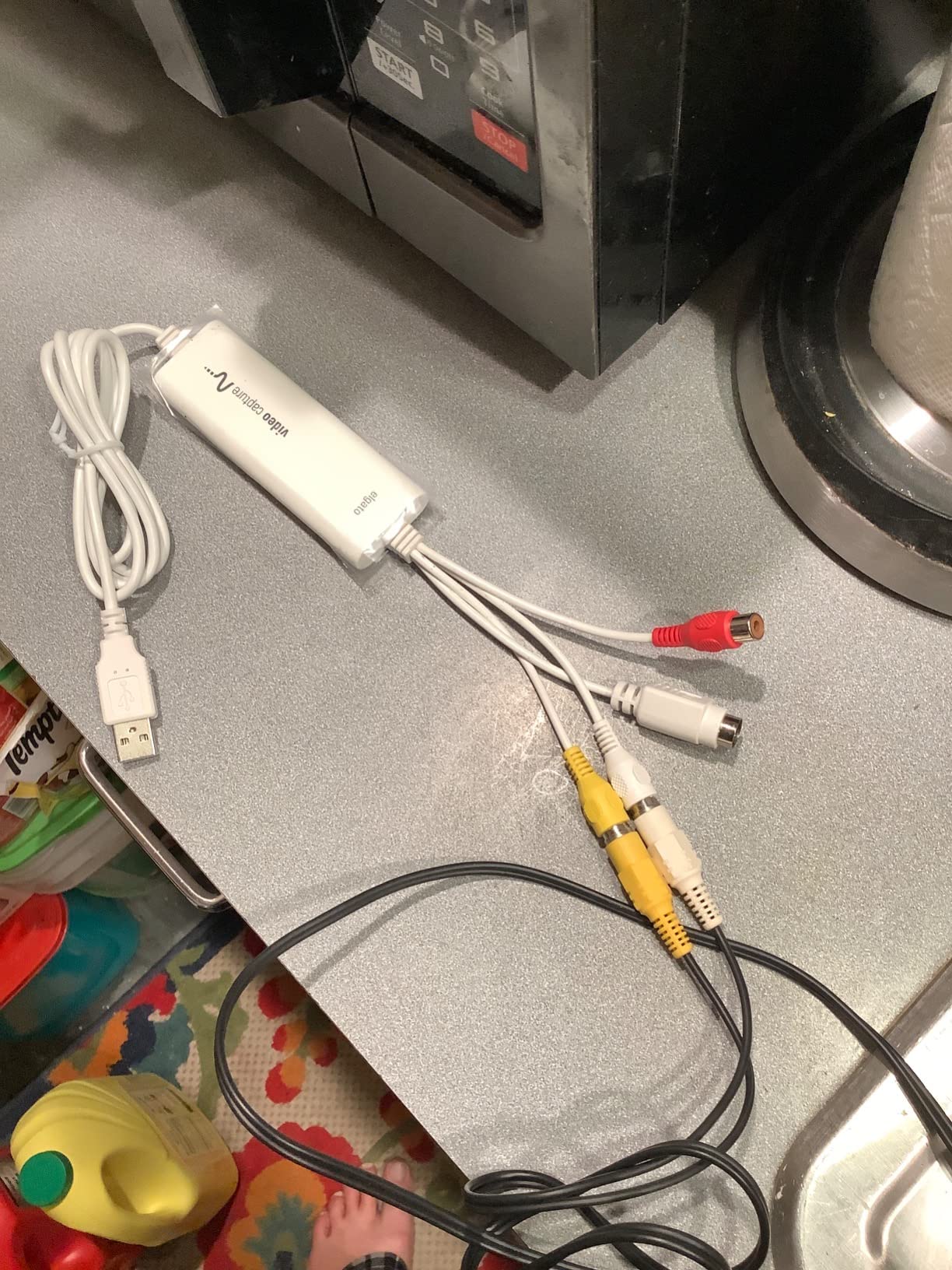
- Comes with Elgato Video Capture, Composite-to-Scart adapter, Composite video/RCA stereo cable
- Video resolution is 640×480 (4:3) or 640×360 (16:9)
| Hardware Interface | USB 2.0 |
| Video Capture Resolution | 480p |
| Operating System | Mac, Windows |
| Antenna Location | Video Recording |
| Other Special Features of the Product | Easy-to-use software |
| Platform | No Operating System |
| Tuner Type | NTSC, SECAM, PAL, PAL/60 |
| AV Output | MPEG-4 |
| Compatible Devices | Personal Computer |
| Minimum System Requirements | Minimum system requirements: Mac OS X 10.6.8 or later, Windows 7 or later, 2 GHz Intel Core 2 Duo (or comparable) processor, sound card |
| Item Dimensions | 4.09 x 1.38 x 0.47 inches (10.4 x 3.5 x 1.2 cm) |
| Brand | Elgato |
| Model Name | Video Capture - US |
| Built-In Media | Composite video/RCA stereo cable, Composite-to-SCART adapter, Elgato Video Capture hardware |
| Model Number | 10020840 |
| Manufacturer | Elgato |
| UPC | 806293530725 809186274317 852095000225 523161116460 012303707319 031112451343 887594557222 782941786686 163120866984 793426824281 168141640070 803982721570 012301012538 100177338347 872182673071 059072806942 012304319146 012300176811 172302821901 132018346228 809385669198 |
| Global Trade Identification Number | 00852095000225 |
| Mfr Part Number | 1VC108601001-2 |
| Unit Count | 1.0 Count |
| Item Type Name | Corsair Elgato 1VC104001001 Video Capture for your Mac or PC, iPad and iPhone, white |
| Recommended Uses For Product | Video Recording |
| Package Weight | 1 Pound |
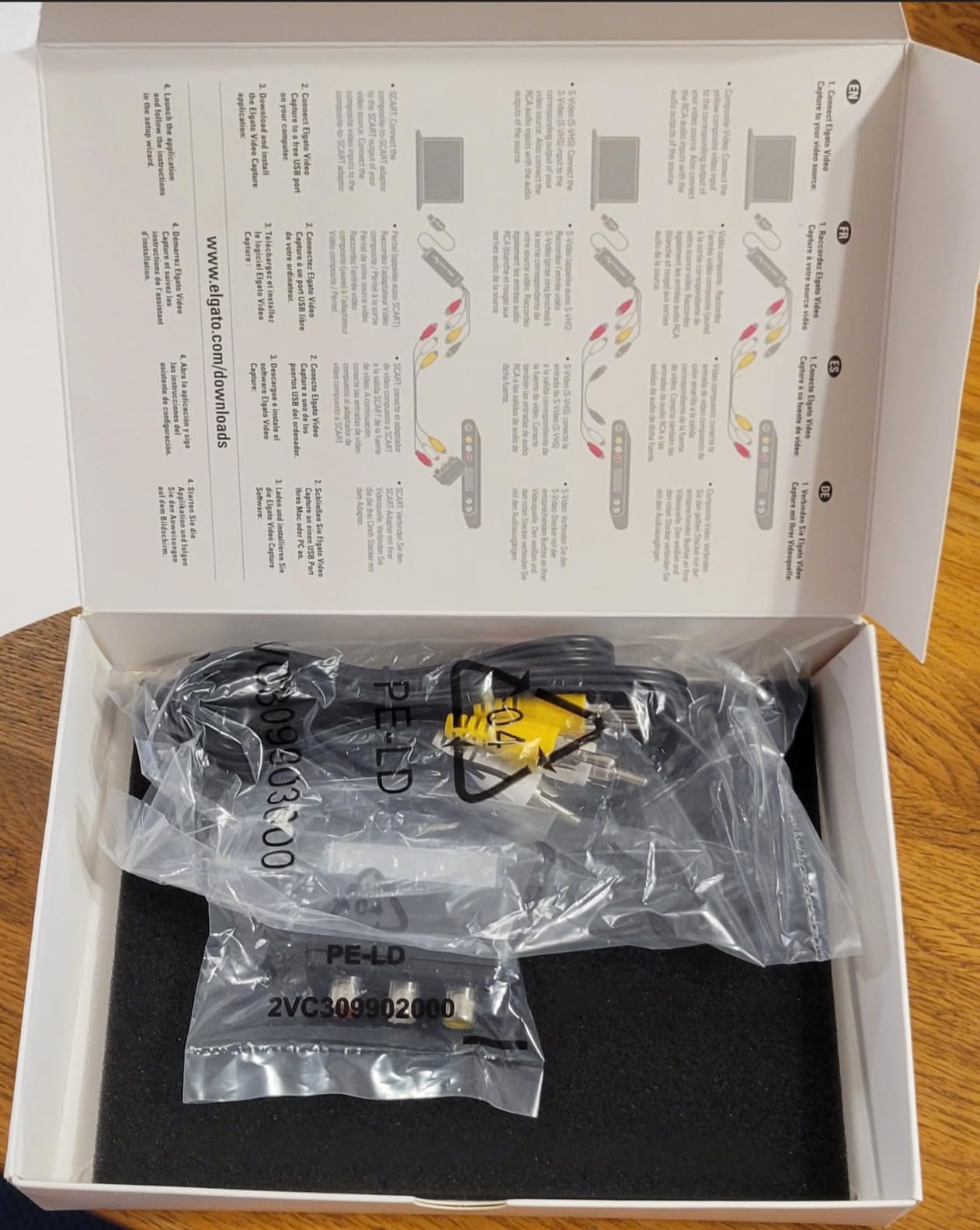
What's in the box
Elgato Video Capture hardware
Composite-to-SCART adapter
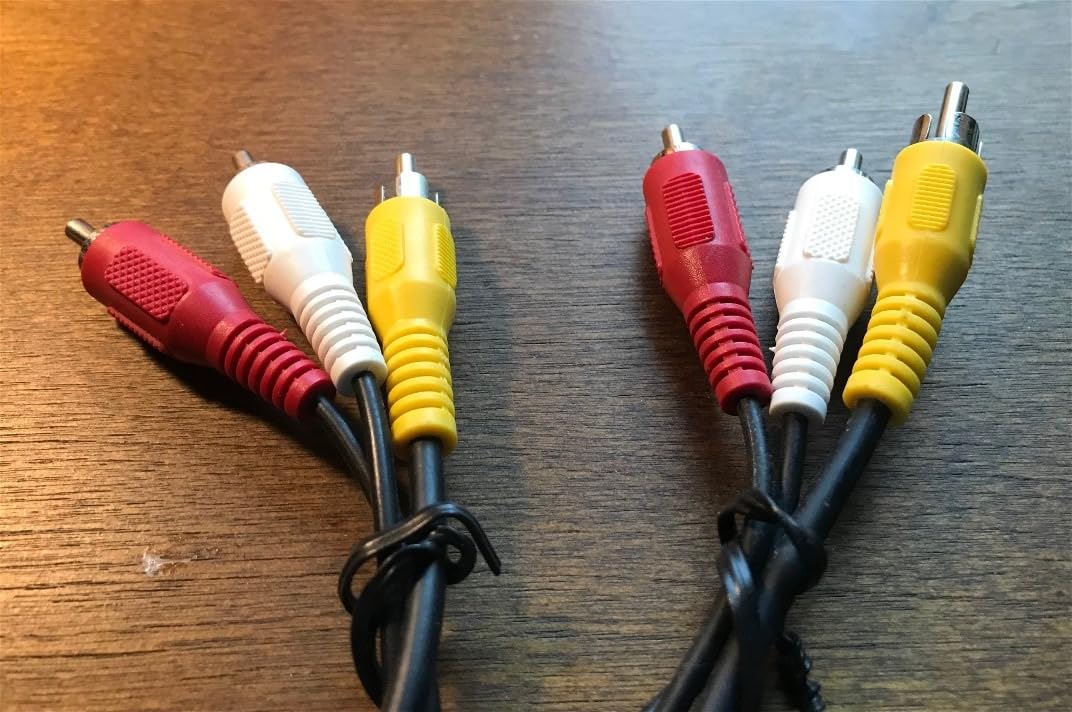
Composite video/RCA stereo cable
Who Should Buy?

-
VHS Enthusiasts
Ideal for users looking to digitize and preserve old VHS tapes for easier access and longevity.
-
Content Creators
Suitable for those wanting to create video content from analog sources, enhancing their creative projects.
-
Students/Researchers
Great for academic users needing to convert analog footage for research or presentation purposes.

-
High-End Gamers
Not suitable for high-performance gaming capture needs, as it lacks advanced features and fast processing.
-
Professional Videographers
May not meet the quality standards required by professionals for high-resolution video projects.
-
File Format Restrictions
Users who require specific file formats may find limitations with the output options of this device.
Product Description
Have any Query? Chat with us
Customer Questions & Answers
-
Question:
What is the Elgato Video Capture device used for?
Answer: The Elgato Video Capture device is designed to convert analog video signals, such as those from VHS tapes, into a digital format. This allows you to preserve old video content by converting it into files that can be edited or saved on your computer or mobile device. Many users enjoy this feature for archiving precious memories from family events or transferring the content of old tapes to new digital media for easy sharing or accessing. -
Question:
Is the Elgato Video Capture compatible with both Mac and Windows?
Answer: Yes, the Elgato Video Capture is fully compatible with both Mac and Windows operating systems. This versatility makes it suitable for a wide range of users, whether they're using Apple computers or PCs. The device comes with its own software that simplifies the capturing process, ensuring that you can easily digitize your videos regardless of your operating system, thus reaching a broader audience who wish to share their experiences across different platforms. -
Question:
Can the Elgato Video Capture capture HD footage?
Answer: The Elgato Video Capture is primarily designed to digitize analog sources like VHS tapes, which may not offer HD resolution. It effectively captures standard resolution videos, allowing them to be stored in a digital format. For users with archival needs, this device serves as a great bridge for preserving low-resolution content that remains significant, showcasing it on modern devices without losing its essence. -
Question:
What types of video sources can I connect to the Elgato Video Capture?
Answer: The Elgato Video Capture device can connect to various analog video sources, such as VHS players, camcorders, and old gaming consoles. It uses composite video inputs and includes audio connections, enabling seamless capture of both video and sound from these devices. This makes it perfect for not only preserving home videos but also for creating nostalgic gaming content, bringing those cherished memories back to life in a digital format. -
Question:
Do I need additional software to use the Elgato Video Capture?
Answer: No additional software is required to use the Elgato Video Capture, as it comes with its own dedicated software that simplifies the capturing process. The bundled software allows for intuitive video capture and editing, making it user-friendly for those who may not be tech-savvy. Its streamlined interface enables users to quickly navigate through capturing, editing, and saving videos without the need for external tools. -
Question:
How do I connect the Elgato Video Capture to my device?
Answer: To connect the Elgato Video Capture, simply plug the USB interface into your Mac, Windows computer, or iPad, and connect the composite video and audio outputs from your VHS player or video source to the capture device. The included cords and adapters facilitate this process, making it accessible for anyone looking to transition their favorite analog videos into a digital realm for further manipulation or viewing. -
Question:
What types of files can I export with the Elgato Video Capture?
Answer: The Elgato Video Capture allows you to export your captured videos in popular formats, such as MPEG-4, which is widely supported by most devices, including computers and mobile. This compatibility ensures that you can share your videos easily on various platforms. By converting to this file type, users can take advantage of compression, leading to manageable file sizes without sacrificing much video quality, making sharing and storage convenient. -
Question:
Is the Elgato Video Capture portable?
Answer: Yes, the Elgato Video Capture is a portable device that is lightweight and compact, making it easy to carry around. Whether you're moving to a friend's house for a project or simply storing it away, its dimensions enable hassle-free mobility. This portability ensures that you can convert videos anywhere, maybe at a relative's home dealing with family video collections, bringing back the nostalgia without issues. -
Question:
Can I edit the videos after capturing them using the Elgato Video Capture?
Answer: Absolutely! After capturing your videos with the Elgato Video Capture, you can edit them using video editing software compatible with your operating system. The captured files are easily transferable, allowing users to enhance or modify them as per their creative needs. Whether trimming unwanted parts, adding music, or applying effects, the flexibility to edit means you can create polished videos ready to be shared with others. -
Question:
Where can I buy Elgato Video Capture in Bangladesh?
Answer: You can buy the Elgato Video Capture from Ubuy in Bangladesh. Ubuy offers a user-friendly shopping experience along with a variety of products. Simply visit their website, search for Elgato Video Capture, and you'll find the options available for purchase. Ubuy ensures a hassle-free way to obtain this device, making it accessible for enthusiasts eager to preserve their analog videos digitally.
Elgato Internal TV Tuner & Capture Cards 10020840 Editorial Review
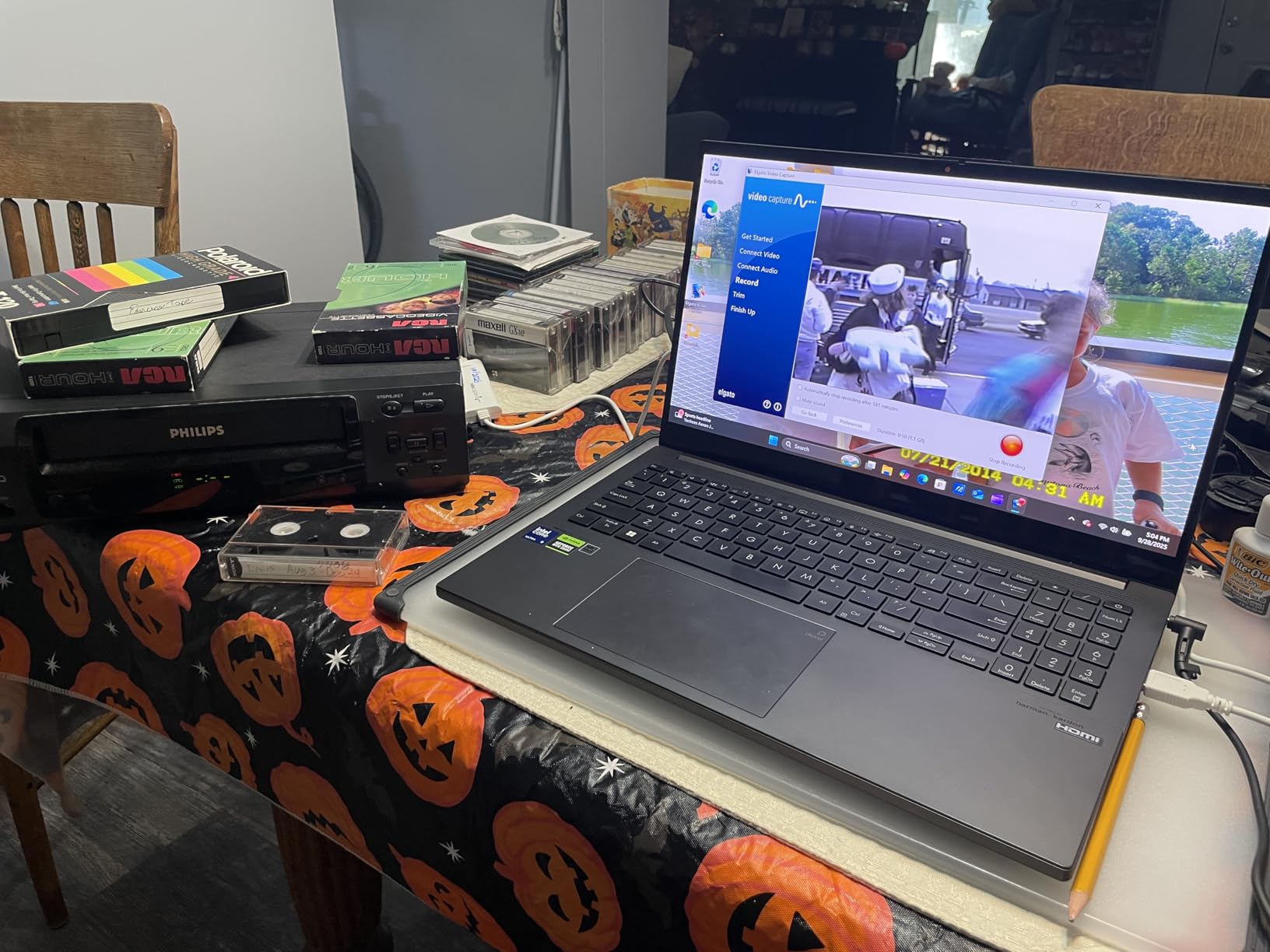

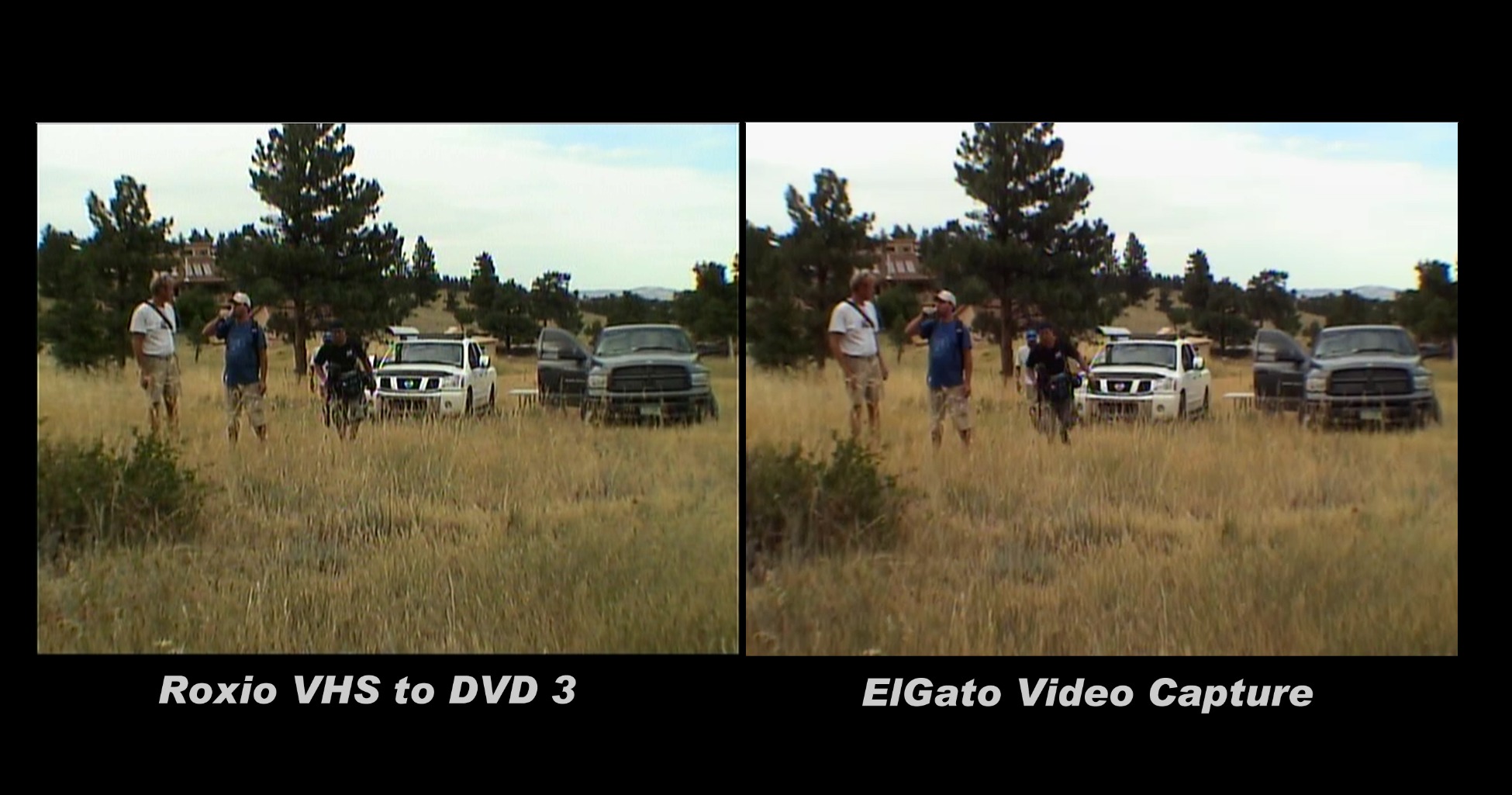



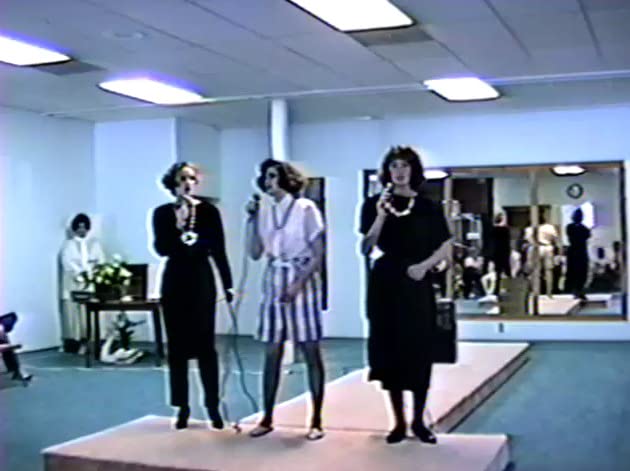
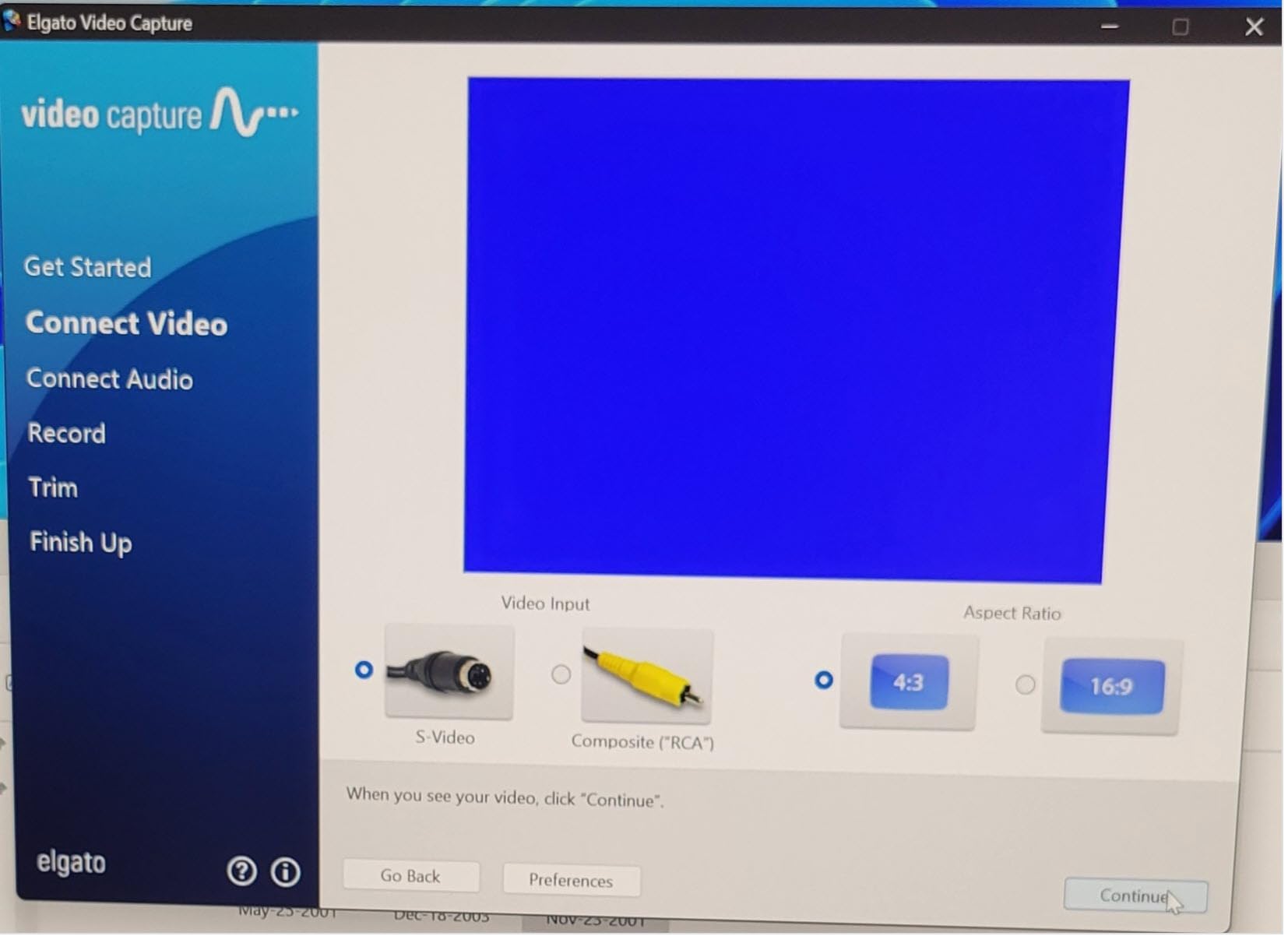
The Elgato Video Capture is a USB 2.0 capture card device that allows easy conversion of analog videos to digital format. It is compatible with Mac, Windows, and iPad. Users have reported excellent results when converting VHS and Hi8 tapes to MP4 files. The software is stable and has some useful features, such as timer recording and video signal enhancements. However, some users have experienced compatibility issues and found the software to be basic. Overall, the Elgato Video Capture is a convenient and affordable solution for preserving old videos.
Customer Reviews & Ratings
10749 customers ratings
-
5 Star
73%
-
4 Star
12%
-
3 Star
6%
-
2 Star
2%
-
1 Star
7%
Review this product
Share your thoughts with other customers
Pros
- Easy to use
- Produces good quality MP4 files
- Stable software with useful features
Cons
- Compatibility issues reported
Platform Trust & Buyer Confidence

MT
Mohd
Verified buyer
“The product received very good packaging & safe…Thank You”
16 June 2026 · via Trustpilot
SJ
Shawati
Verified buyer
“Accurate delivery timing given”
16 June 2026 · via Trustpilot
YB
Youcef
Verified buyer
“Not madly expensive like I thought, and much quicker than promised.”
15 June 2026 · via Trustpilot
LM
Leila
Verified buyer
“Never dealt with Ubuy before, but everything worked out great. Seamless cross border purchasing and shipping. Thanks!”
6/7/2026 · via Trustpilot
KA
Kwame
Verified buyer
“The process was smooth, with clear communication and timelines. This was my 1st purchase and I am really impressed. I will definitely be coming back.”
12 June 2026 · via Trustpilot
Secure Checkout
Global Delivery
Easy Returns
Genuine Products
Product Price History
Important information
- Limitations : For products shipped internationally, please note that any manufacturer warranty may not be valid; manufacturer service options may not be available; product manuals, instructions, and safety warnings may not be in destination country languages; the products (and accompanying materials) may not be designed in accordance with destination country standards, specifications, and labeling requirements; and the products may not conform to destination country voltage and other electrical standards (requiring use of an adapter or converter if appropriate). The recipient is responsible for assuring that the product can be lawfully imported to the destination country. When ordering from Ubuy or its affiliates, the recipient is the importer of record and must comply with all laws and regulations of the destination country.
- Not all the products listed on Ubuy are for sale, as Ubuy is a global search engine. Products are subject to export/trade regulations.
BDT 13029
Order now and get it around Sunday, July 12
This item is not restrict in my country.(Please click on above link if this item is not restrict in your country, So our team will review and allow.)
QTY:
Secured transaction
PCI DSS compliant and ISO 27001:2022 certified, with encrypted payments and full buyer protection on every order.
Our Top Logistics Partners
Fastest cross-border delivery
Features & Benefits
- Easy-to-use software guides you through every step of capturing video in H.264 digital format
- World ready as it handles multiple video formats
- Compatible with popular video editing softwares on Mac and Windows
- Video resolution: 640×480 (4:3) or 640×360 (16:9)
- Audio: AAC, 48 kHz, 128 kBit/sec
- Generated files can be synced with multiple Apple devices
Ubuy Assurance
Experience worry-free shopping with 100% original products, PCI DSS-compliant payment security, ISO 27001-certified data protection, the fastest cross-border delivery, free returns *, and secure packaging on every order.